Record it once, then edit the blocks
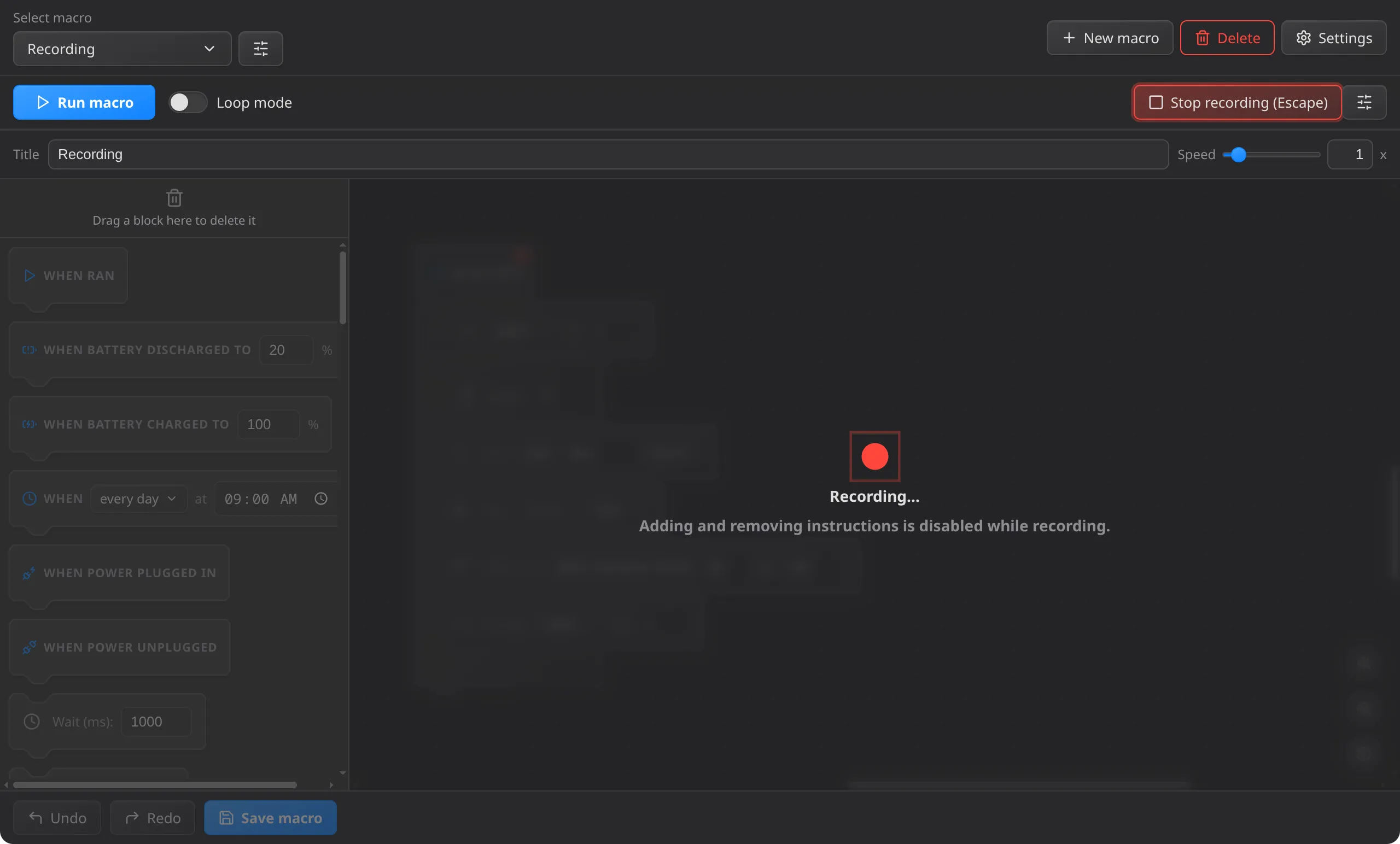
Press Record and do the task yourself. Every key and button press and release comes back as its own block, with the real pause between them, ready to trim, retime, or loop.
 Blockwork
Powerful, understandable & fun automation
Not on this platform? See all downloads Release history
A live copy of Blockwork's editor. Edits stay in this tab and nothing runs.
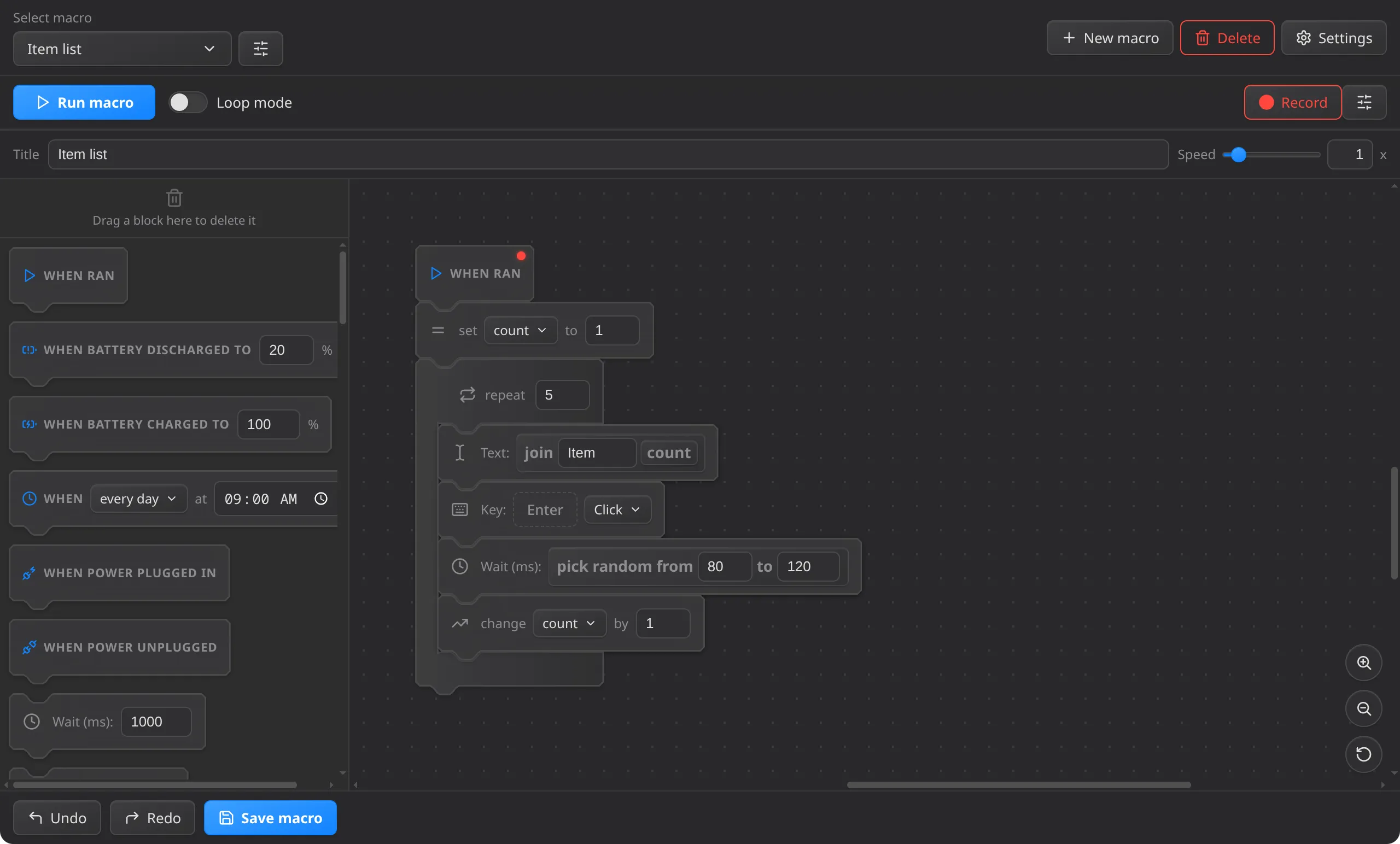
Every instruction is a block with its own inputs. Value and condition slots are shaped by type, so you can tell what goes where at a glance.
Press Record and do the task yourself. Every key and button press and release comes back as its own block, with the real pause between them, ready to trim, retime, or loop.
Pull blocks from the sidebar and snap them into a stack. Each slot has a shape, so a condition can't end up where a number goes.
Repeat, while and if wrap around the blocks they control. Variables and operators like pick random fill the slots, and clicking one shows its value right now.
Turn a sequence you keep rebuilding into one block with its own inputs and color, then drop it into any macro.
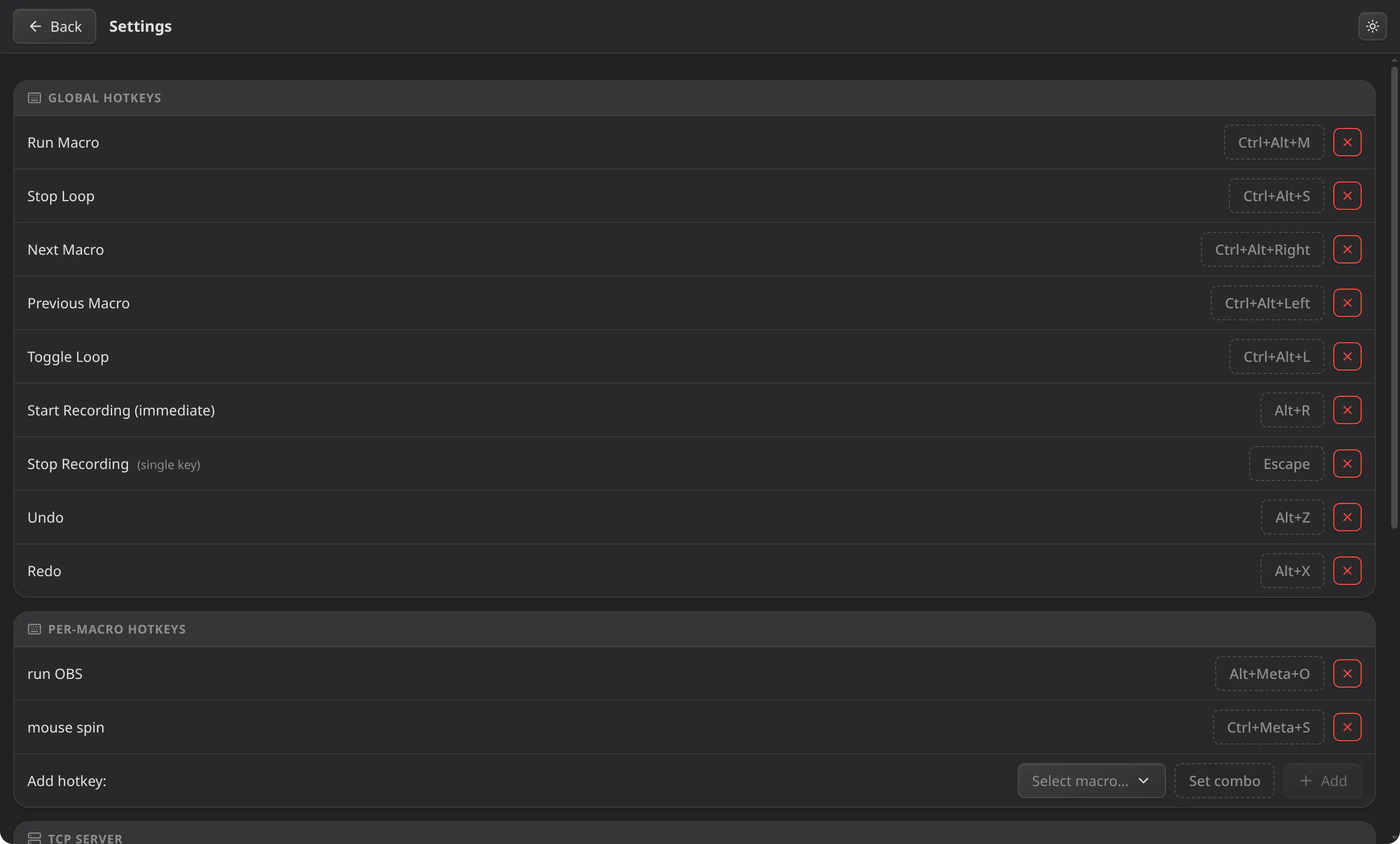
Start a macro from a global hotkey, on a schedule, when a window comes into focus, or when the battery is full.
Pan, zoom, leave comments, and keep as many macros as you like, with light and dark themes.
Free and open source. Grab the latest release for your platform.
Not on this platform? See all downloads Release history